
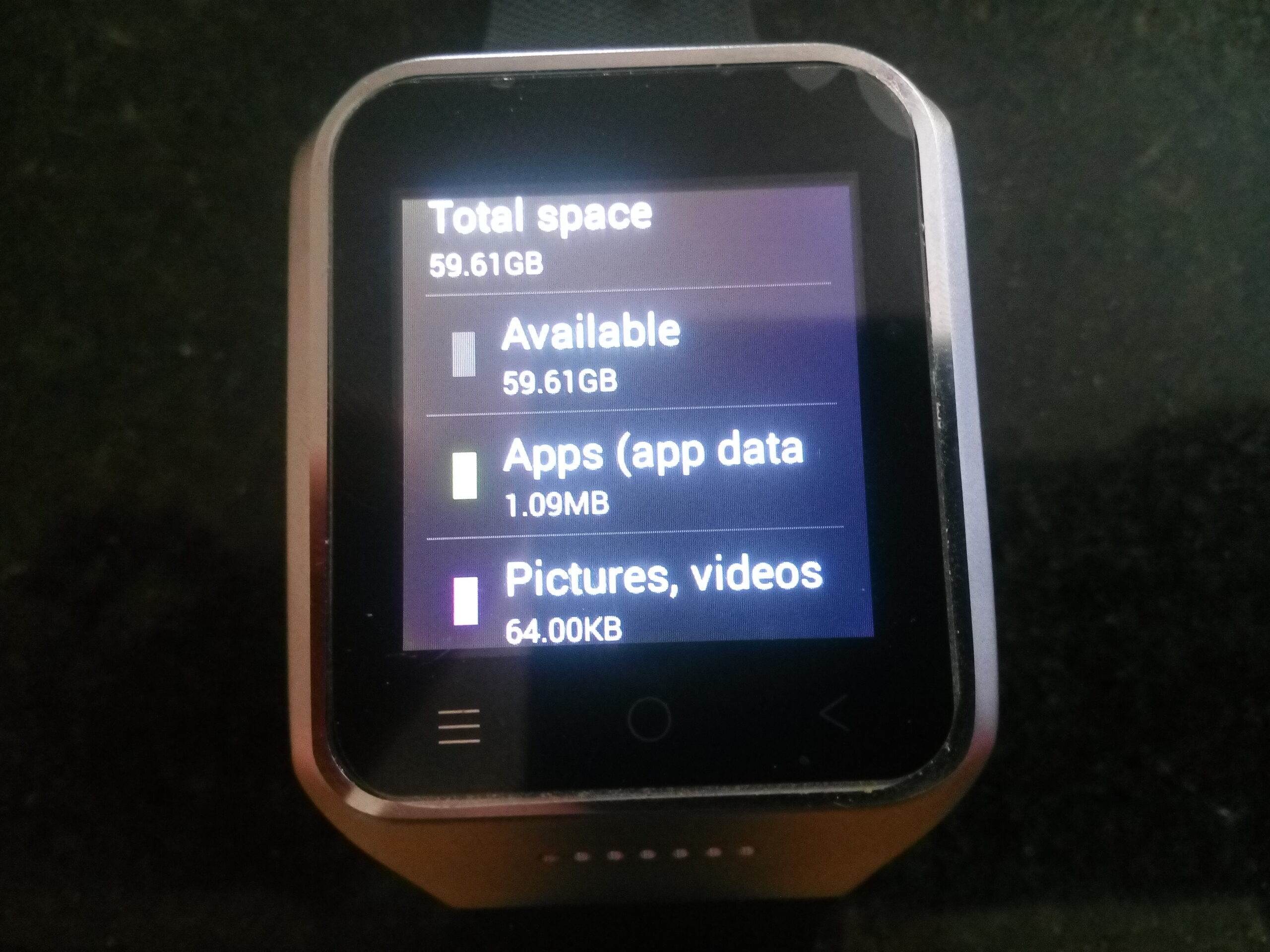
How i replaced the micro sd in a zgpax s8
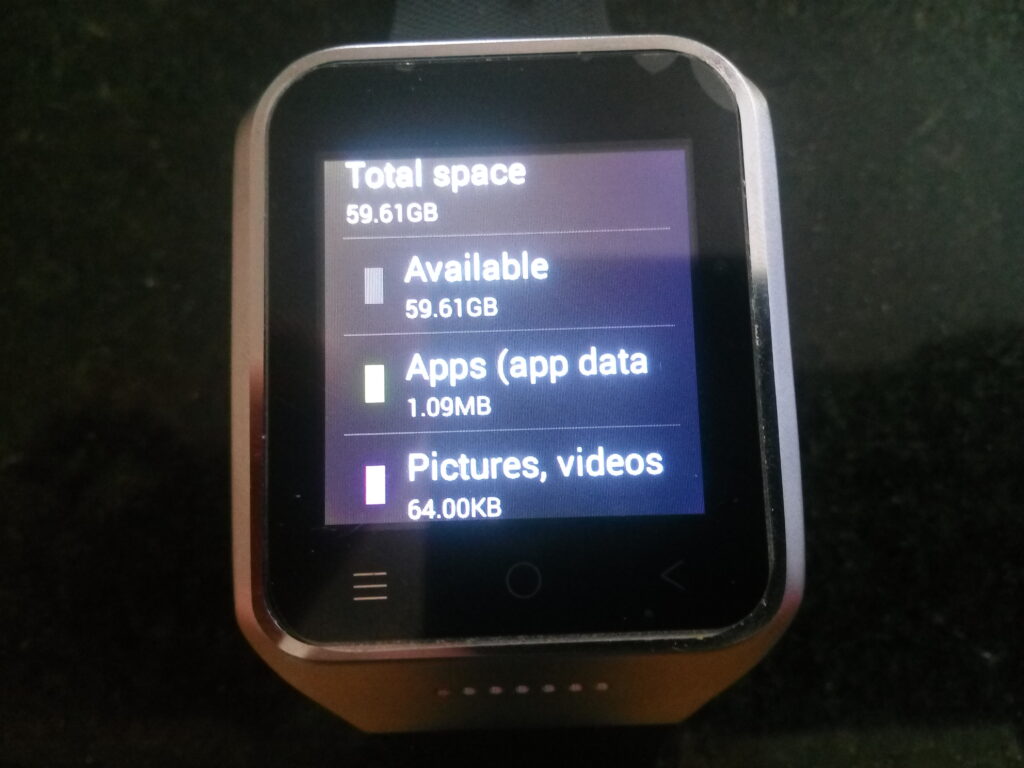
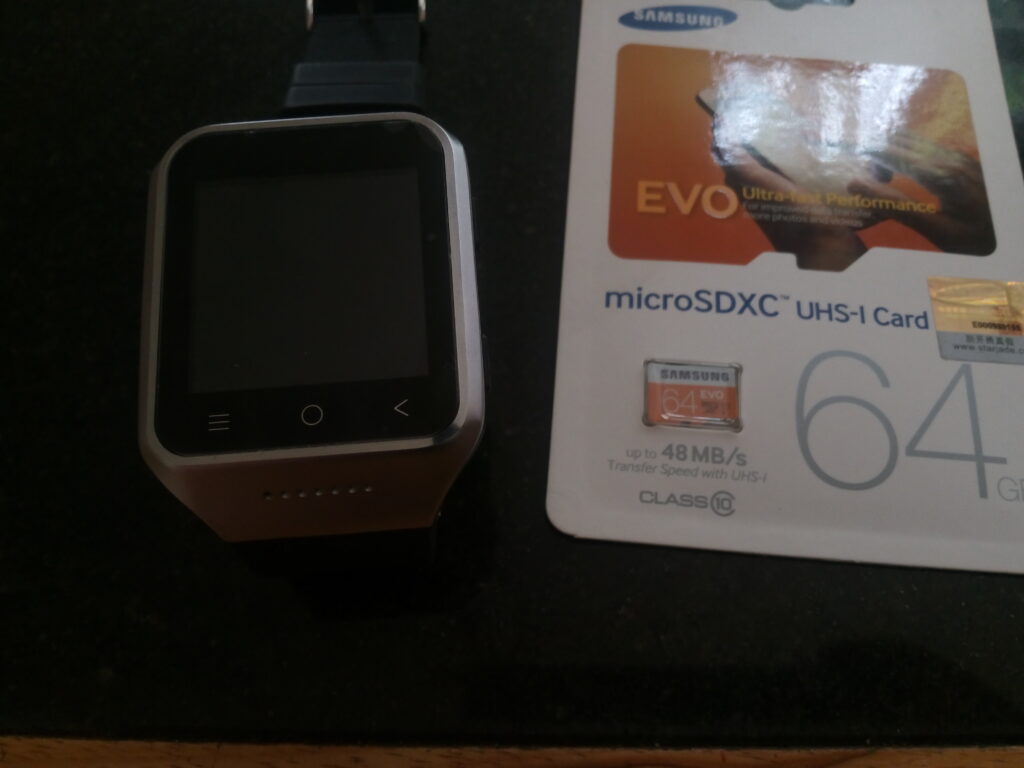
Having realised the sd card in the zgpax s8 smartwatch was not user swappable, but was swappable by digging under the hood i went to get my screwdriver….
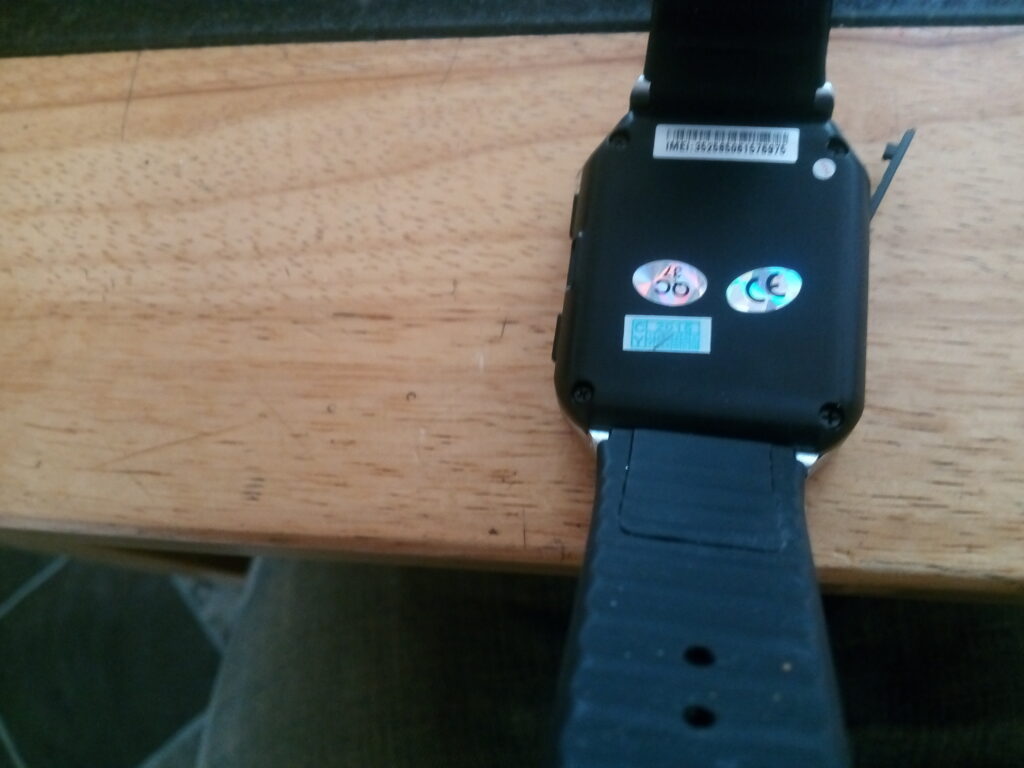
First remove the sim card from the watch…
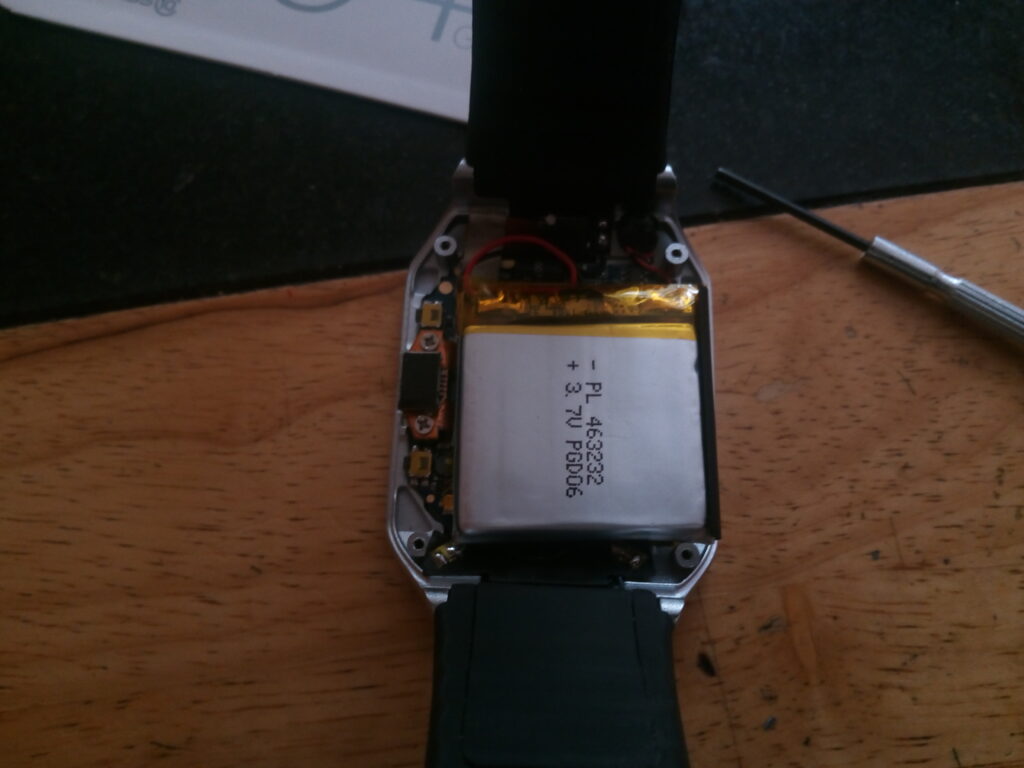
Next remove the four screws that fix the back on…
Now gently remove the battery (remember its hard soldered to the mainboard) and place it to the top right…
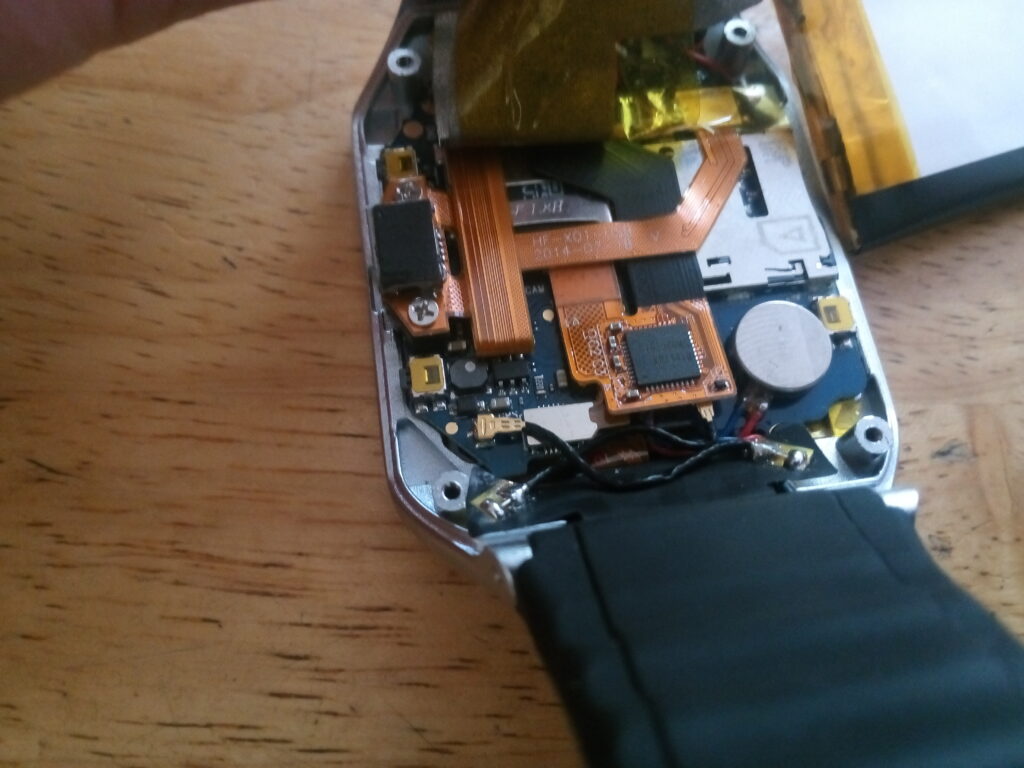
Now unscrew the two screws holding down the ribbon cable connector on the left (i didnt do this until after the next step and realised i should of done it first)
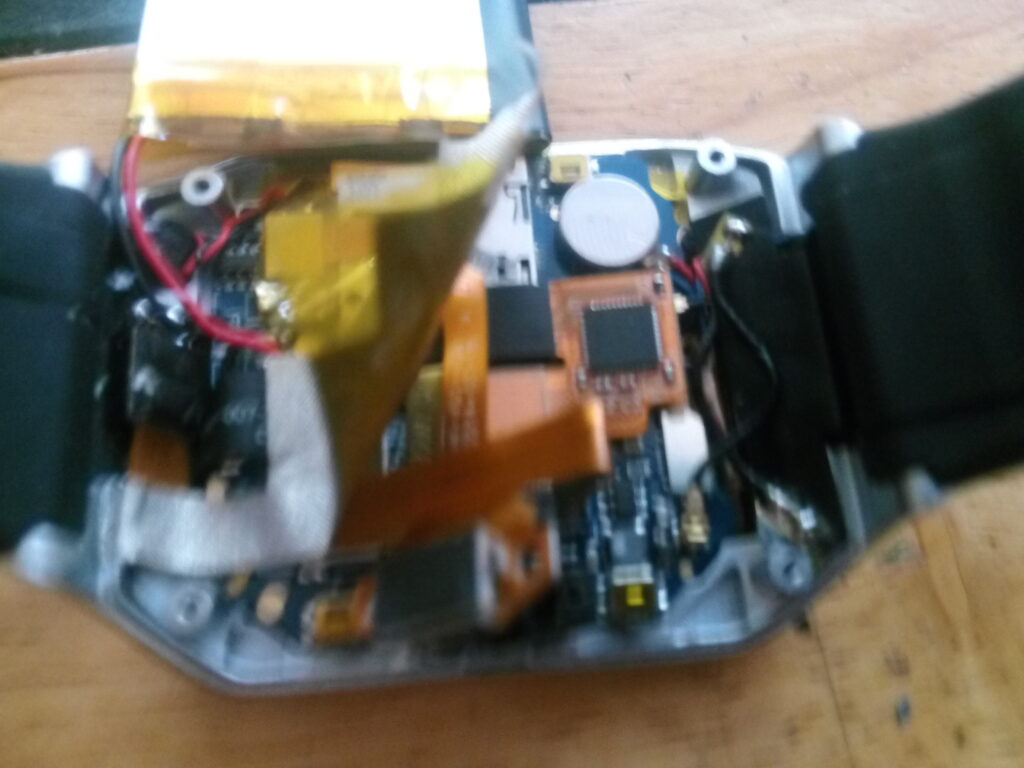
Next you have to gently prise up the silver rf tape so we can get at the connectors underneath.

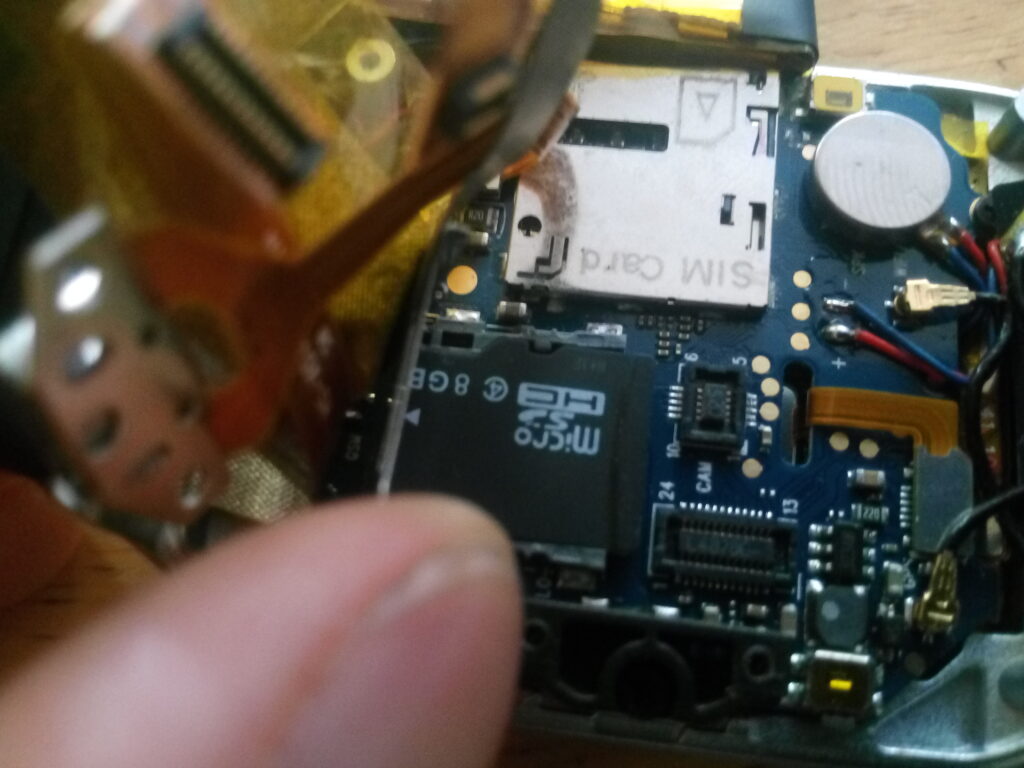
Next gently lift the two ribbon cable connectors (sorry for the poor picture) you can see in the next picture where they have to be lifted from…
Just slide out the old sd card and place your new one in.
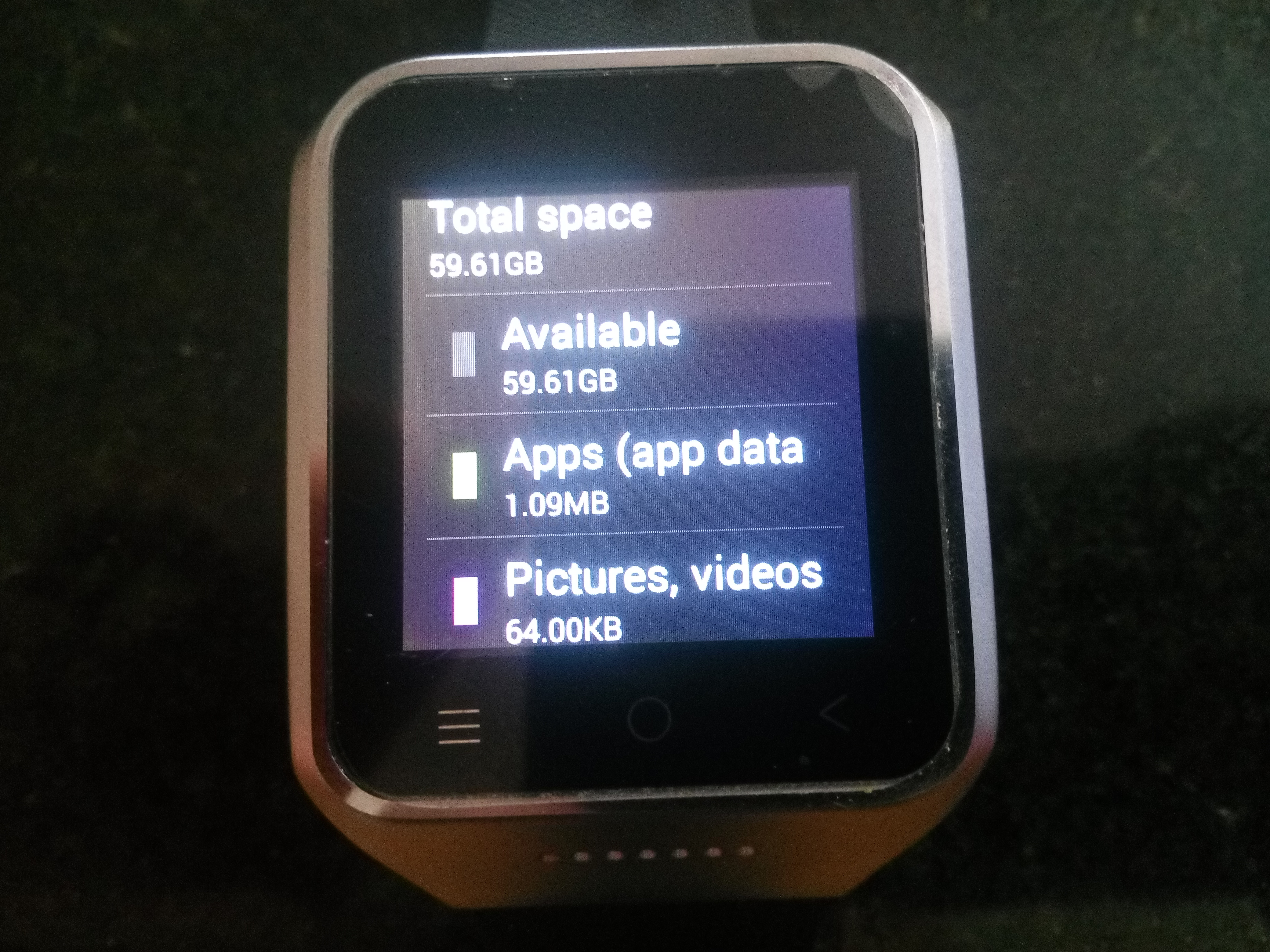
Boot your device and format the memory card and you are good to go!